# Cinquanta, Chaos and more editions are live
> Two new editions of my front page take their cues from Olivetti print design and a broken video signal. Plus Number Wall, Atlas and Circles.
- **Author**: Nader Cserny
- **Published**: 2026-11-07
- **URL**: https://nader.io/posts/cinquanta-and-chaos-are-live
---
Cinquanta and Chaos are live. I made one after looking at Olivetti graphics from the '50s and '60s. The other lets you draw glitches all over my front page and send someone a link to what you made.
## [Cinquanta](/editions/cinquanta/)
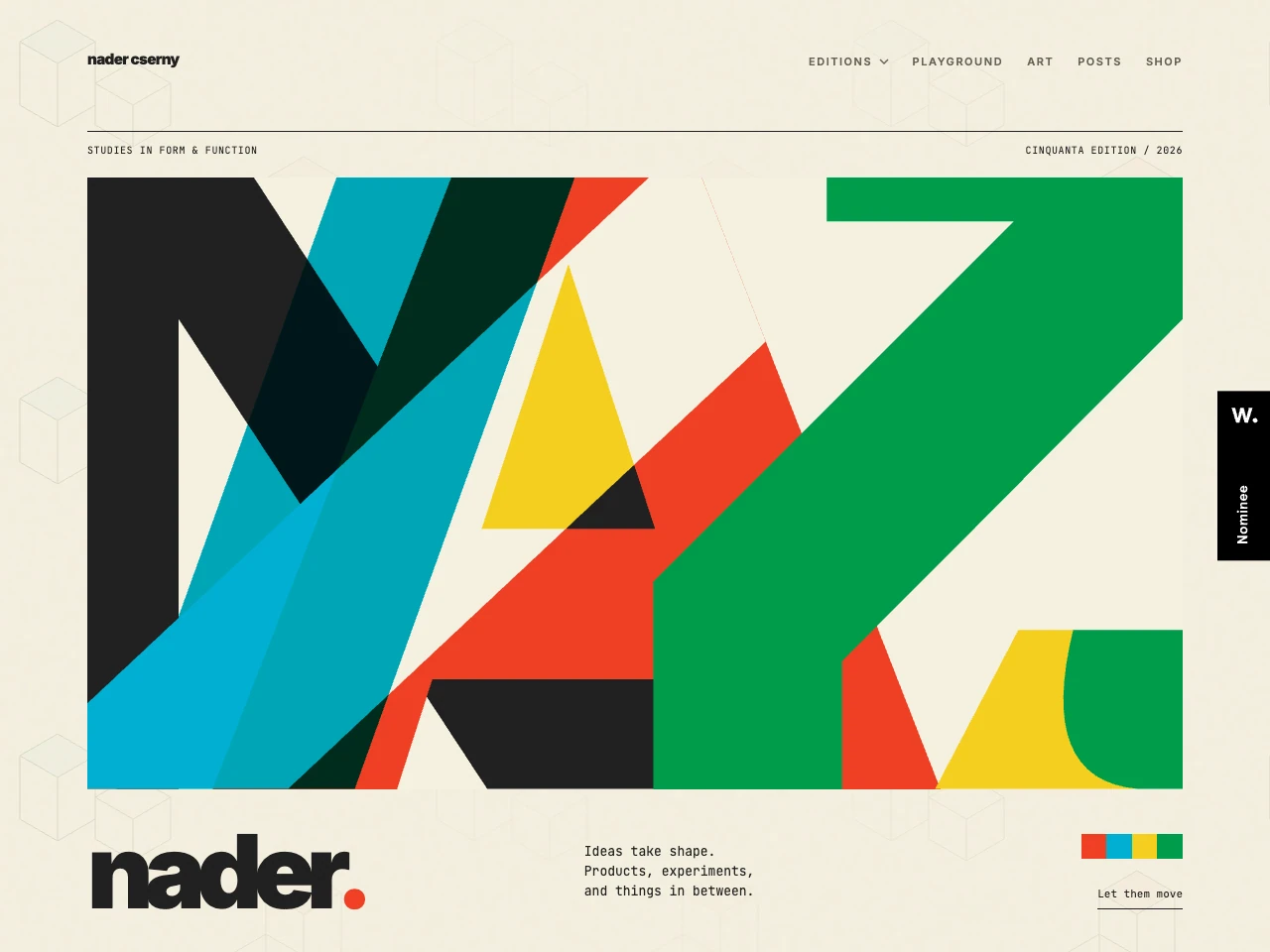 I love how good Olivetti made a typewriter look. The Lettera 22 won the Compasso d'Oro in 1954, and the graphics from that era still look fresh to me. There's so much life in what you can do with a few shapes and flat colours on paper. [Olivetti Historical Archive](https://www.archiviostoricolivetti.it/en/lettera-22/)
For Cinquanta I started with oversized letterforms and gave the colours room to slide around. Press **Shift** or click **Shift into place** and they settle into a single composition, like lining up the layers of a print.
## [Chaos](/editions/chaos/)
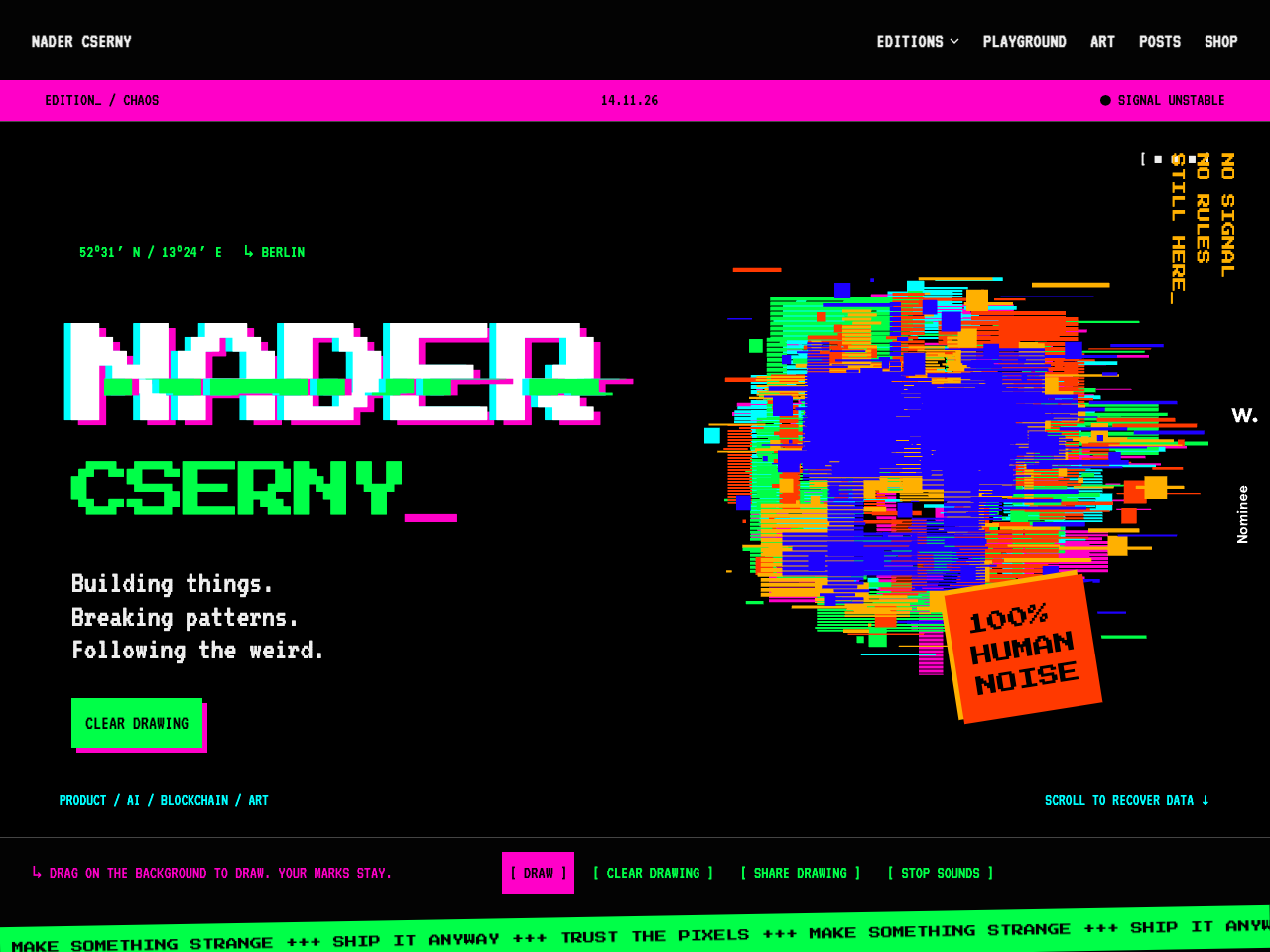 Chaos looks like the signal is about to give out. Click **Let's draw**, then drag across the background. Glitches stick wherever you move, so you can scribble, fill the screen with colour, or give the page a completely different composition.
When you've got something you like, hit **Share Drawing**. Send the URL to someone and they can open your artwork right there on the page.
## [Number Wall](/editions/number-wall/)
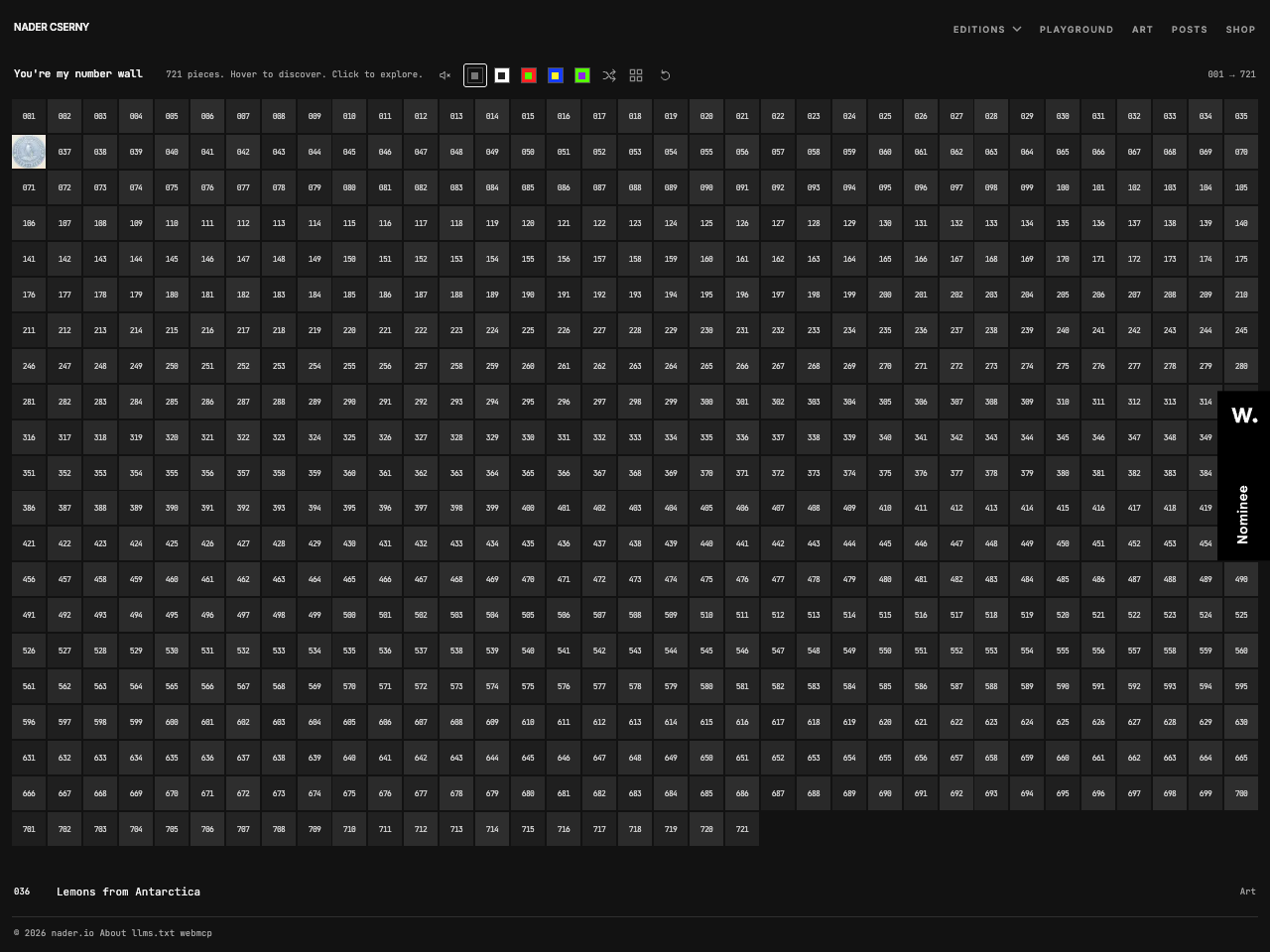 There are over 700 pieces in my archive, including posts, projects, art and the old blog. Number Wall gives each one a square. Pick a number, hover to see what's behind it, and click if you want to go down that particular rabbit hole.
## [Atlas](/editions/atlas/)
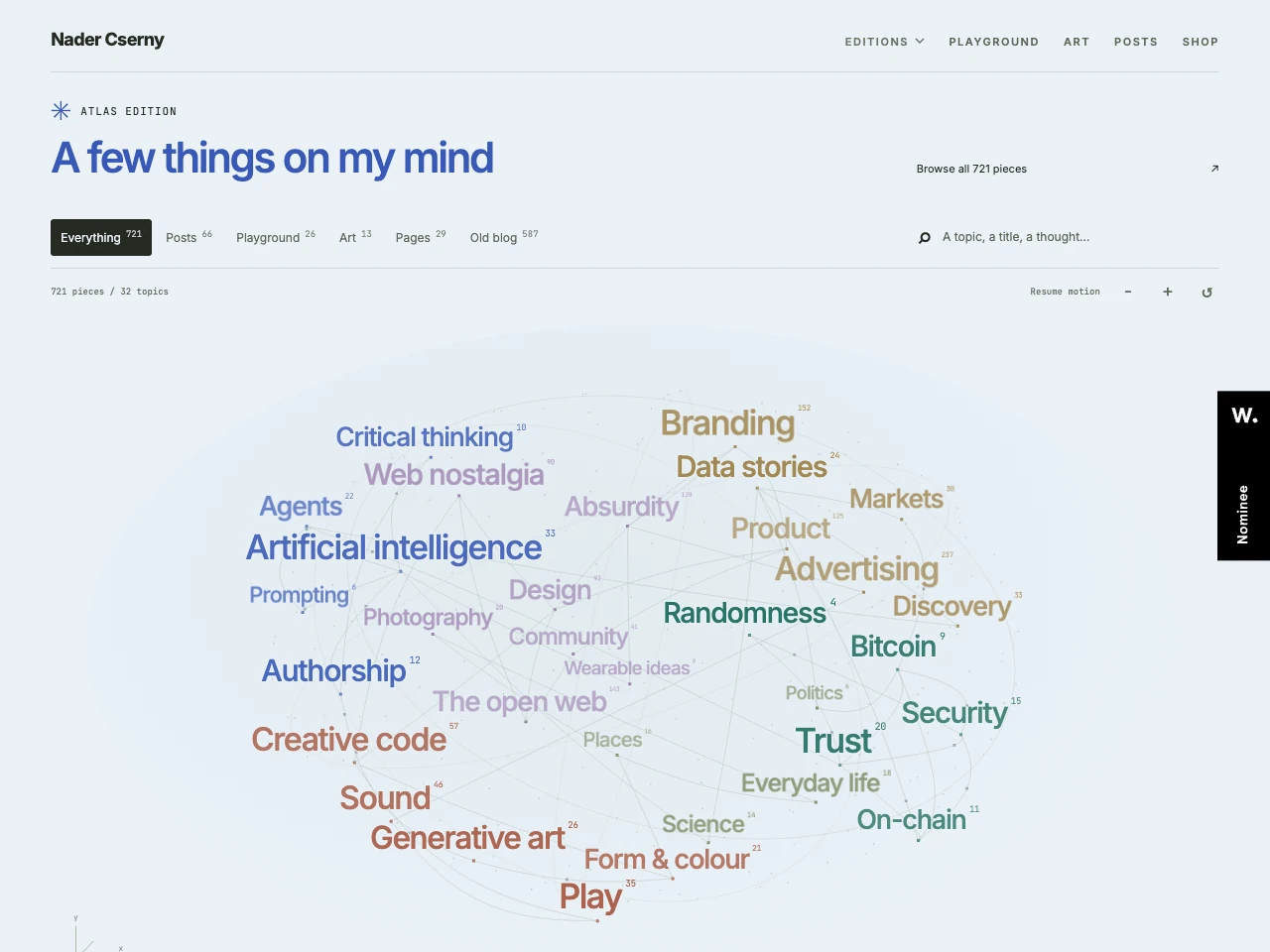 Atlas is a map of what's on my mind. Bigger words have more to explore, and the lines connect topics that share pieces of work. Start with a topic and see what it's connected to. I like that an old blog post and a new experiment can turn up next to each other because they touch on the same idea.
## [Circles](/editions/circles/)
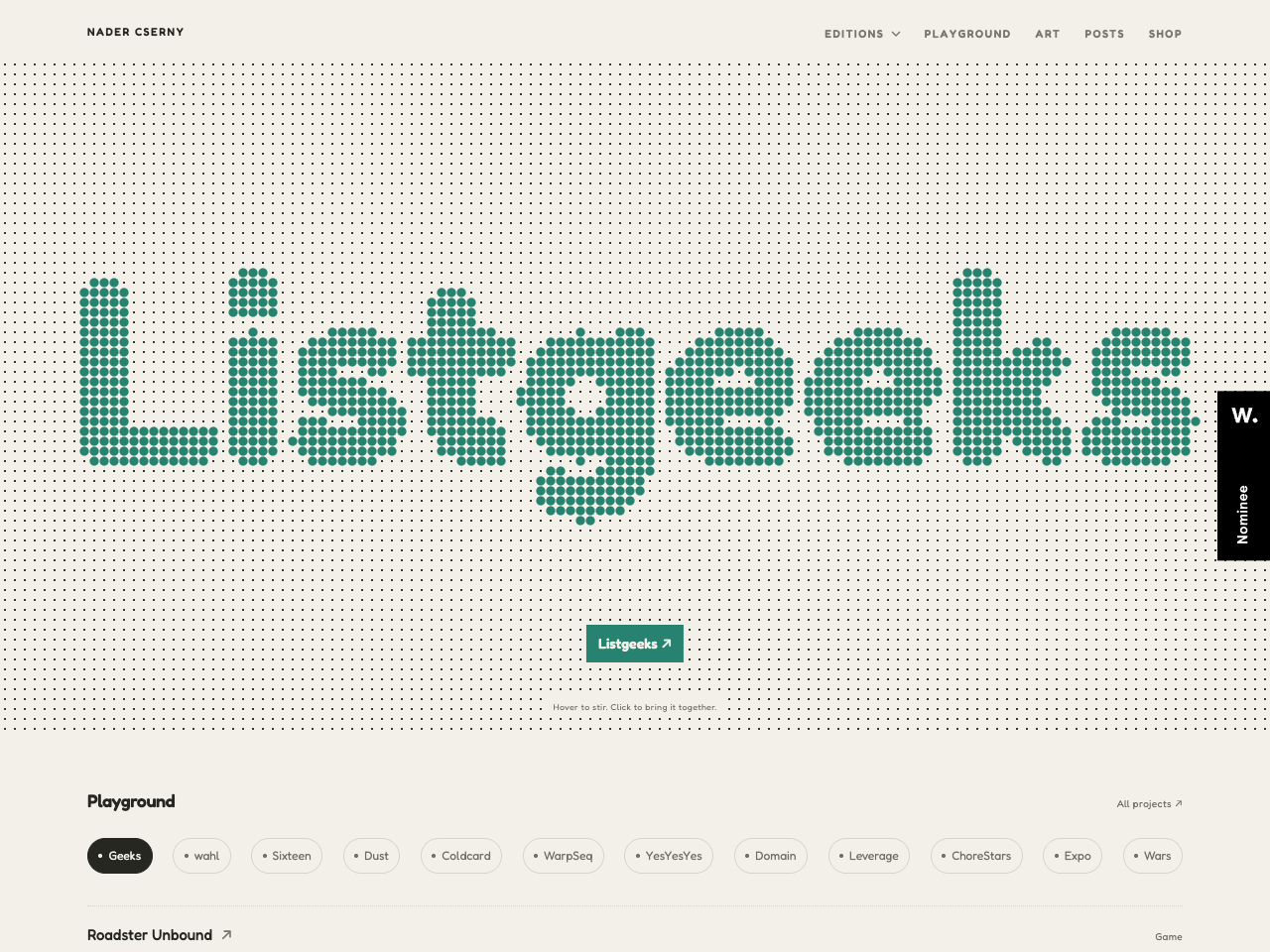 Circles is the playful one. Move your cursor through the dots to stir them up, then click to watch them gather into a different word. The words lead to things I've made.
You can find them all on the [Editions page](/editions/).
---
- [All articles](https://nader.io/posts)