Getting spam calls? See who it is without showing your number, use #31#
The spam calls have been relentless lately. Half the time I want to call a number back just to see who it was, but without handing over my own number in the process, so it doesn’t end up on yet another list.
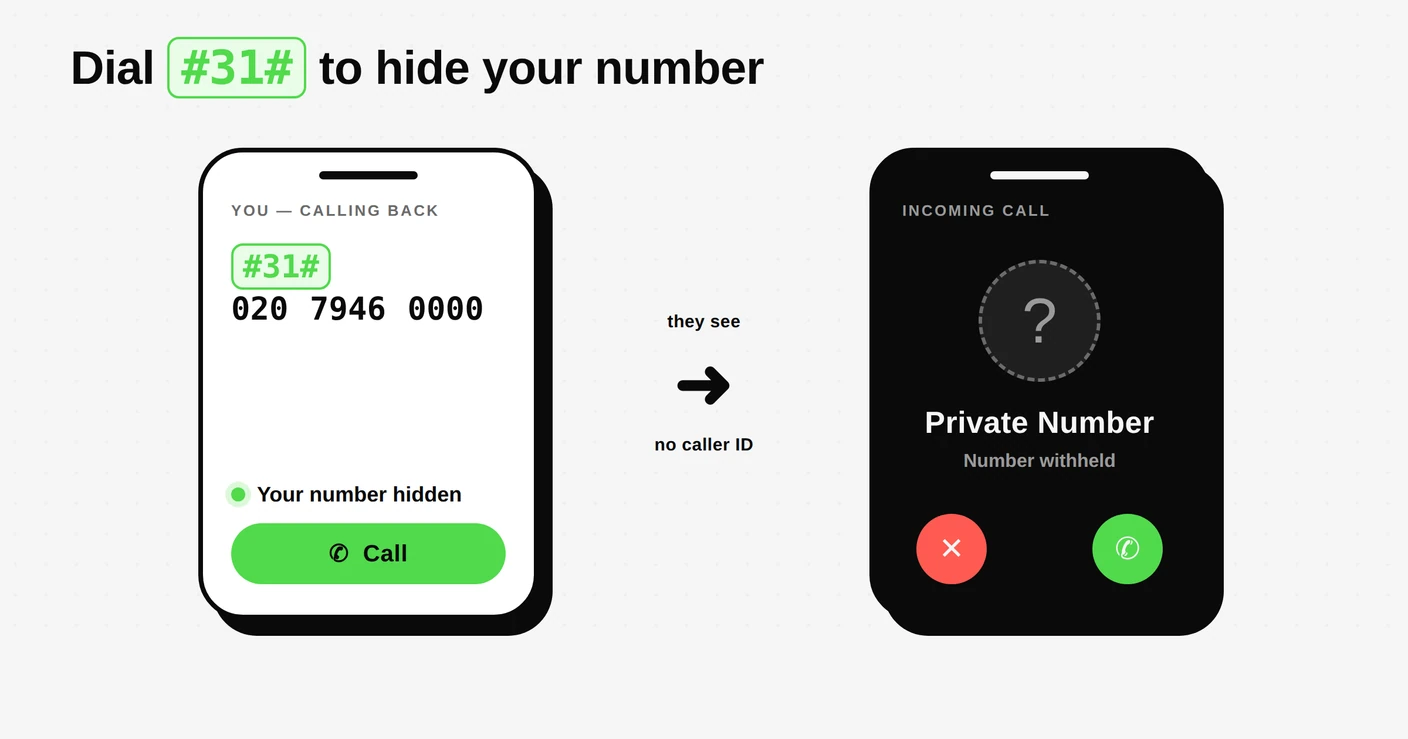
There’s a simple trick for exactly this: put #31# in front of the number you’re dialling and your caller ID is withheld for that one call. So instead of +420 123 456 789 you dial #31#+420 123 456 789, and the other side just sees “Private number” or “Unknown”.
How it works
Type #31# immediately before the full number, then hit call. That’s it. No settings to change, nothing to remember to switch back on. It applies to that single call only; every other call goes out with your number as normal.
It’s a standard network feature (the same one behind your phone’s “hide my caller ID” setting), so it works from most mobile phones without any app or setup.
Why it’s handy right now
- Call back an unknown number to find out who it was, without giving your own number away.
- Check who’s behind a spam call while staying anonymous yourself.
- Keep your number off lists: callers and their systems can’t capture a number they never see.
The same trick on other networks
#31# is the code most mobile networks use, but a couple of regions have their own:
- Most mobile networks:
#31#before the number - UK:
141before the number - US & Canada:
*67before the number
If one doesn’t take, try another: networks vary, and some show a short confirmation before the call connects.
One thing worth knowing: plenty of people ignore calls from withheld numbers precisely because spammers hide behind them. So this is best kept as a per-call trick for calling back the numbers you’re curious about, not something to leave on for everyone.