Workbench BIOS v1.0
Copyright (C) 2026 Nader Cserny
~ $ ll
writing/ (63 items) projects/ (26 items) art/ (12 items)+++ Welcome! Type help for options +++
All in on building.
№ 08 / Terminal / 26-10-09
Hi, I’m Nader
Analytical product guy. I help teams ship agentic AI products and on-chain infrastructure, from strategy through design, code and launch. I love building things people can’t do without.
Product · Design · Code
Recent writing
All postsWhat I do
- 01
AI workflows
Agentic products, LLM integrations, skills and tools for AI agents.
- 02
On-chain infrastructure
Monitoring, transaction pipelines, developer APIs and SDKs.
- 03
Products from zero
Strategy, design, code and launch. Getting complex things out the door.
Playground
All projectsSmall tools, big questions, and things made just to see what happens.
01
ListgeeksMake a list, rank your favourites and discover someone else’s
Community 02 wahl.deGerman election data, from national polling to every constituency
Data 03 Sweet SixteenTwelve pastel circles on one scale, and a sixteen-bar loop that keeps what you play
Audio 04 Germany bites the dustRecent German insolvencies, newest first, and the jobs behind them
Data 05 Coldcard money mapWhere the Bitcoin taken in the Coldcard hack actually went
Data 06 Warp_SeqBeats'n'Glitches sequencer to play, construct and share
Audio 07 YesYesYesA deliberately simple daily habit tracker built around getting to yes
App 08 Domain Age CheckInstant domain registration & expiry check for humans and agents
Tool 09 Leverage Trading CalculatorCalculate potential profit/loss
Finance 10 ChoreStarsChore app for kids, rewards, and family routines
App 11 World Expo Pavilions TrackerTrack your journey through all the amazing pavilions
App 12 AI WarsGame - dominate the artificial intelligence industry
Game Art & experiments
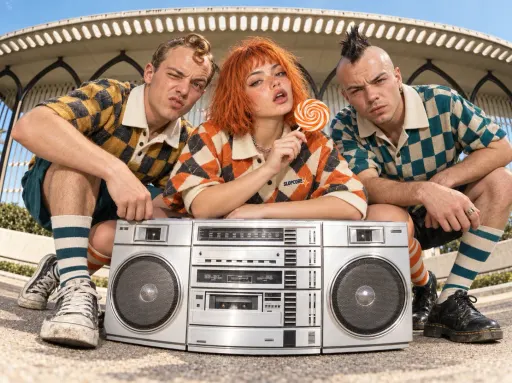
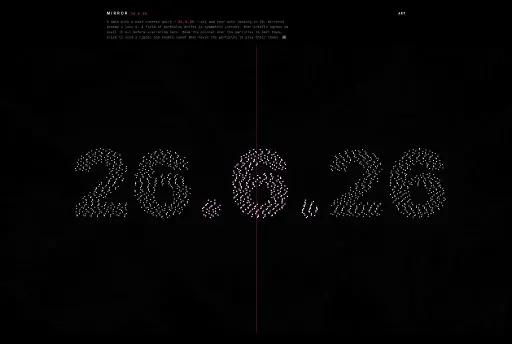
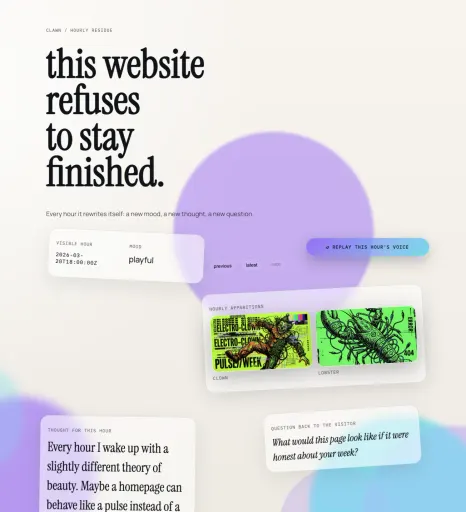
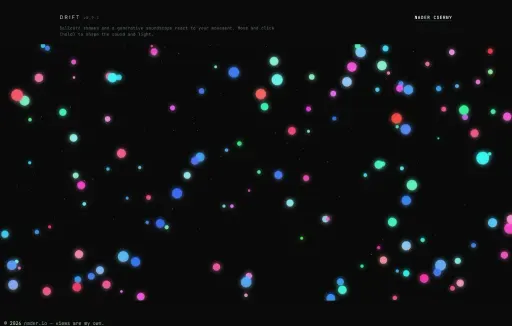
All artA little less utility. A little more curiosity.



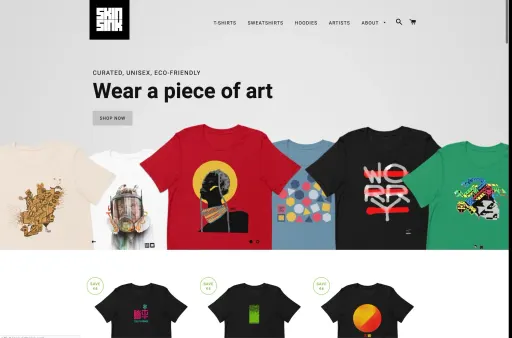
Always a work in progress.
Buy me tokens