Terminal Edition released
A new edition of the front page: Terminal.
Thin black lines, JetBrains Mono, and a computer that takes centre stage. It boots into a working command prompt, with writing, projects and art as folders you can explore.
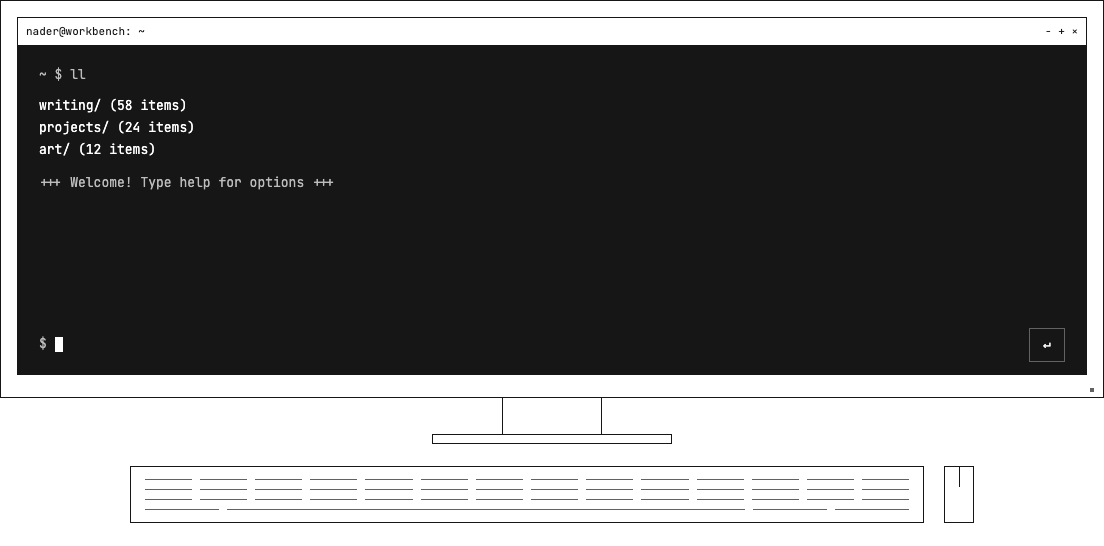
Type help for the guide, or jump straight in with cd writing. ls lists what’s there, and ll adds more detail. Tab completes commands, folder names and titles: try cd wri, press Tab, then Enter. Once inside, vi How and Tab will find a matching post. cd can open titles too.
Open something, read it, and come back. The terminal picks up where you left off, with the cursor ready for the next command.
There are a couple of things to break as well. rm projects removes the projects section. Bare rm wipes the page and asks for an OS disk. Reboot brings the BIOS back and restores everything.